Stable framing
Keep a fixed aspect ratio and output resolution without distracting motion near screen edges.

SMART CAPTURE FOR WINDOWS
ScaptraScaptra solves the challenge of selecting part of the screen when recording tutorials or live lessons. Like an intelligent camera, it pans, tilts, and zooms with ease to frame the best view. It supports HDR capture and dynamic switching between audio input and output devices.
Current release 1.0.4 Updated 2026-09-26 Checksum file
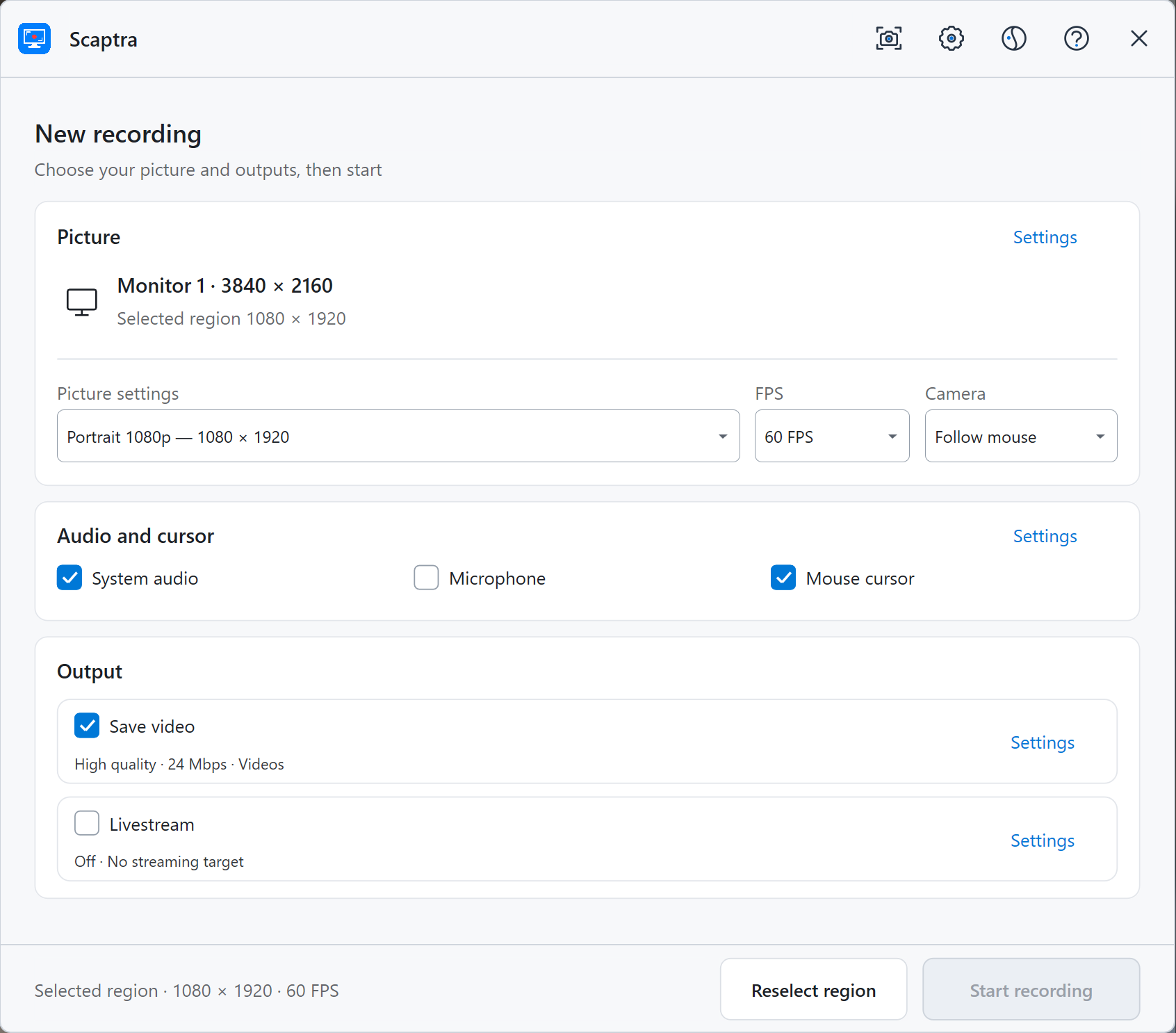
01 / Designed for clear demonstrations
Keep a fixed aspect ratio and output resolution without distracting motion near screen edges.
Record system audio and microphone input, mix them live, or retain optional separate tracks.
Map HDR desktops to natural SDR output, then add shapes, arrows, and text to screenshots.
02 / Download options